
PLAYBACK
Buffering or freezing
Check whether the problem affects one stream or many, then work through connection, player and device causes in order.
Start with the IPTV Buffering guideFOXTELE CANADA SUPPORT
Use FoxTele Canada troubleshooting guides to diagnose common IPTV problems such as buffering, unstable Wi-Fi, app issues, playback failures, login problems and device-specific errors. Start with the symptom that best matches your issue, check whether it affects one stream or everything, and follow the relevant guide step by step. These resources separate network, device, player and service conditions so you can test one factor at a time before contacting support.
PLAYBACK
Check whether the problem affects one stream or many, then work through connection, player and device causes in order.
Start with the IPTV Buffering guideCONNECTION
Wireless signal, distance, interference or congestion may be contributing. Compare both connections under similar conditions.
Compare Wi-Fi and EthernetPLAYER APP
Close and reopen the trusted player, restart the device, and check for official app and device-software updates. Do not install an unknown replacement.
LOGIN
Re-enter the supplied details carefully in a compatible player. Do not post passwords, playlist URLs or private account screenshots publicly.
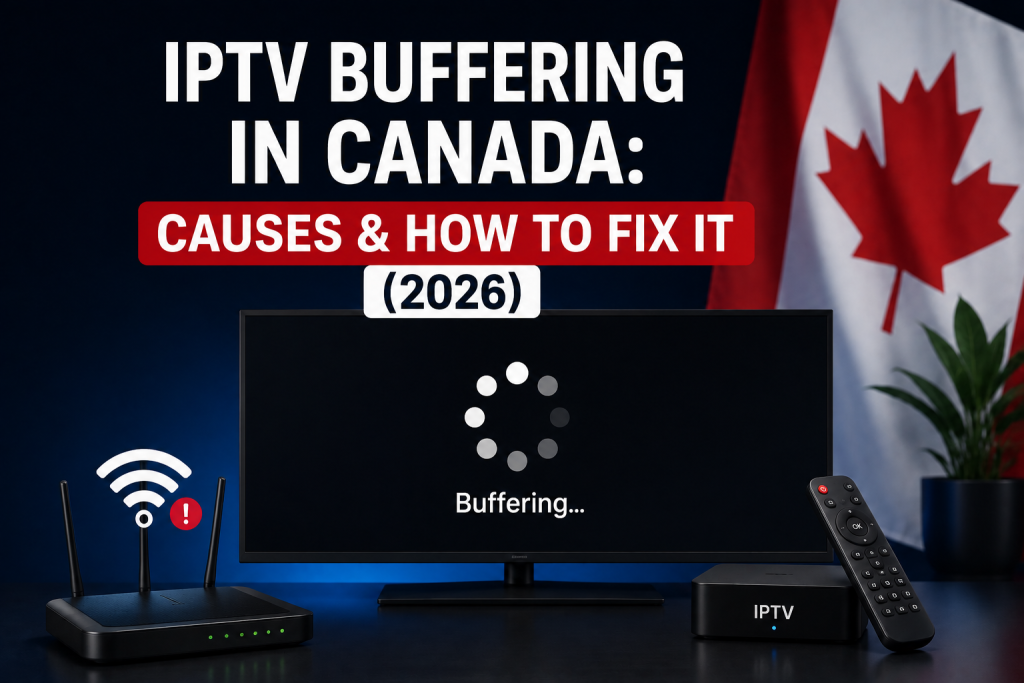
FEATURED TROUBLESHOOTING GUIDE
IPTV buffering happens when the player cannot keep enough video data ready for continuous playback. The cause may be the internet connection, Wi-Fi, household traffic, device, player, stream quality, routing, or a temporary source or service condition—not simply…
Read the Buffering Troubleshooting Guide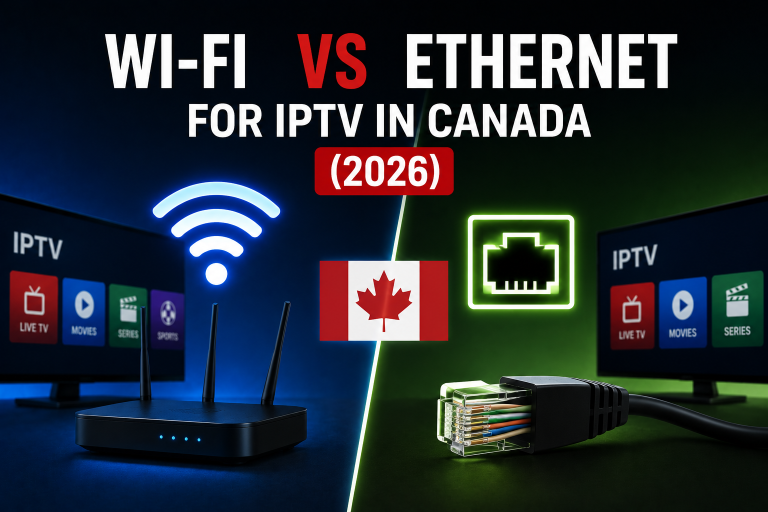
Compare Wi-Fi and Ethernet for IPTV, understand stability trade-offs, and test buffering without risky network changes.
Read GuideDEVICE SUPPORT
Some playback and setup problems are easier to resolve by following the correct instructions for your platform. If you are still choosing hardware, review the IPTV device compatibility guide first.
BASIC DIAGNOSIS
Possible causes include connection instability, household network traffic, Wi-Fi conditions, device or player performance, and a problem affecting a particular stream. Start by checking what is affected.
Ethernet can provide a more predictable local connection, while stable Wi-Fi may work perfectly well. A wired comparison can help identify whether wireless conditions are contributing.
Devices can use different players, operating systems, network hardware and software versions. Compare the player, credentials and connection on each device rather than assuming the service behaves identically.
A normal restart can be a reasonable basic test when multiple devices have connection problems. Do not factory-reset the router or change advanced settings as a routine first step.
Contact support when the issue continues after basic checks. Include the device, player, connection type, affected content and whether other streaming apps work, but never post passwords publicly.
FOXTELE CANADA SUPPORT
If you are a FoxTele customer and the issue continues after basic troubleshooting, contact support with your device type, IPTV player, connection type and a short description of the problem.